
Software for radiological diagnostics
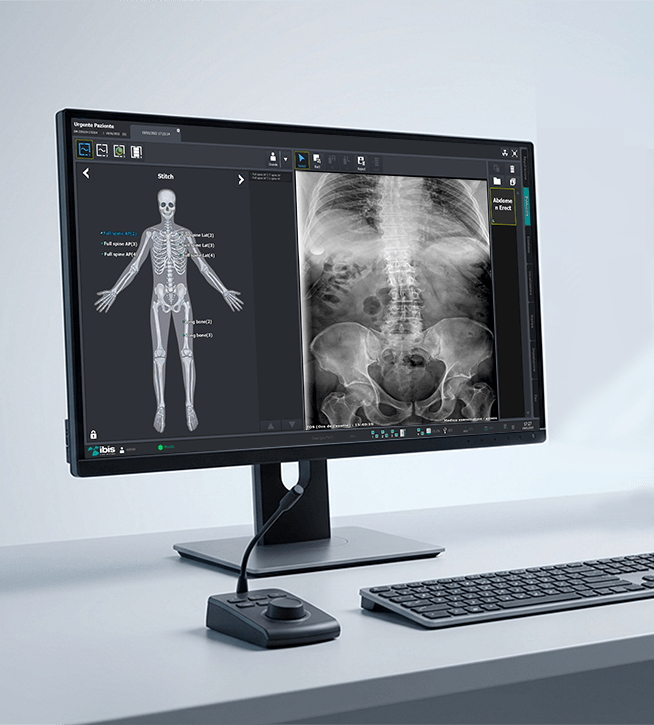
Acquisition, processing and management of radiographic images with tools designed for digital radiology.
The software offers a complete workflow for acquiring, viewing, processing and archiving radiographic images quickly and efficiently. Tools dedicated to digital diagnostics help optimize the daily activities of hospitals, clinics, diagnostic centers, radiology technicians and healthcare facilities.
The intuitive interface, advanced image processing functions and full compatibility with DICOM standards enable easy integration into existing radiology infrastructures.
The right software for digital radiology
Tools dedicated to diagnostic imaging
Developed to meet the needs of modern radiology, the software integrates advanced tools for acquiring, viewing and managing diagnostic images. Dedicated features help improve image quality, speed up daily operations and support healthcare professionals.
Intuitive exam management and immediate access to information help make the workflow more efficient, reliable and secure.
Fast workflow for healthcare facilities and diagnostic centers
From acquisition to archiving, the software supports every stage of the radiographic exam. Images are processed and made available in seconds, facilitating smooth management of daily clinical activities.
DICOM communication tools enable integration with PACS, RIS and hospital information systems, simplifying exam sharing and improving the operational efficiency of the entire facility.
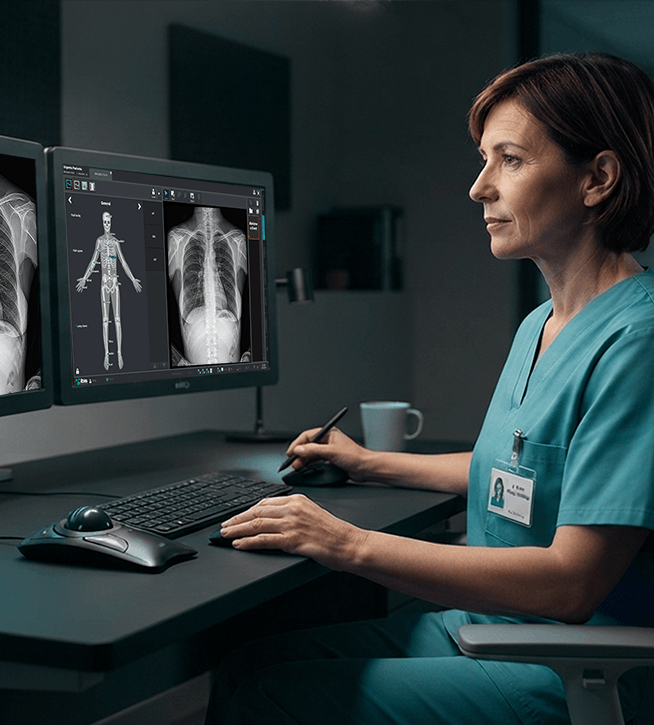
Software for human radiology
Technical specifications
Clinical Workflow and Usage Modes
- Standardized Workflow: Interface divided into sequential operational areas: Registration (entry and worklist), Exposure (acquisition), Database/Viewer (review and post-processing) and Print.
- Scheduled (DICOM Worklist MWL): Automatic retrieval of patient details and prescribed exams directly from the hospital RIS/PACS.
- Unscheduled (Manual): Quick entry of specific fields (Patient ID, Last Name, First Name, Sex, Date of Birth, Accession Number).
- Emergency Mode: Instant initiation of an X-ray exposure without patient details for critical cases in the emergency department (the data will be linked later).
- Multitasking Management: Ability to manage acquisition and processing procedures for multiple patients simultaneously without locking the system
Artificial Intelligence (AI)-Assisted Diagnostics
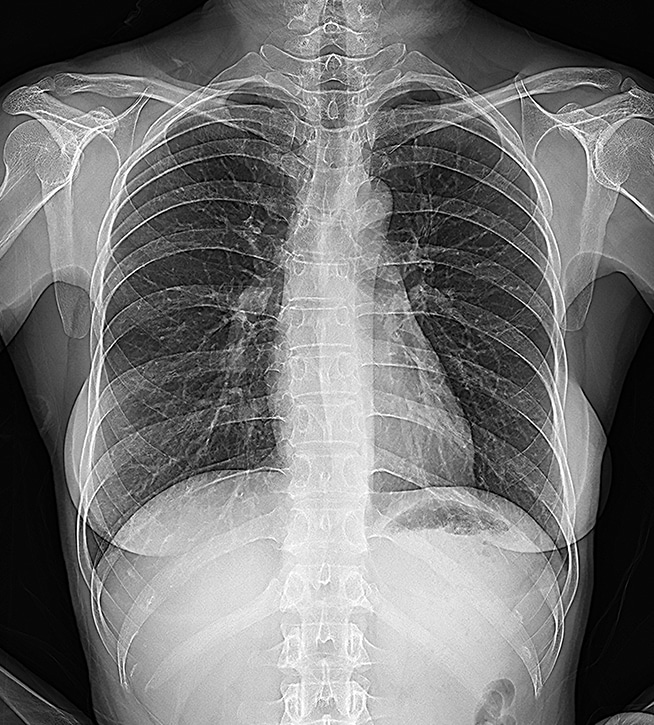
- Chest X-ray Diagnosis Support: Integrated artificial intelligence module that supports the radiologist in the automatic detection of 5 main lung/chest abnormalities (e.g. nodules, pneumonia, pneumothorax).
- Noise-X (AI): Deep learning algorithm focused on advanced background noise removal; delivers ultra-sharp images while significantly reducing the radiation dose delivered to the patient.
- Bone-X (AI): Selective bone suppression function for chest radiographs. It virtually makes the ribs and clavicles “invisible” to accurately examine the underlying lung tissue
Professional Standards and Hardware Integration
- Full DICOM 3.0 Compliance: Supports DICOM Storage services (automatic sending to PACS such as QXLink), DICOM Modality Worklist, DICOM Print and DICOMDIR file generation for burning to disc.
- Universal Generator Interface: Direct two-way communication for setting exposure parameters (kV, mA, ms) directly from the software to third-party X-ray generators, U-arm systems, collimators and dose area product (DAP) meters.
- Multi-format Export: In addition to the native diagnostic DICOM format, enables quick saving in BMP, JPEG and TIFF.
Advanced Post-Processing Algorithms
- PureImpact™: Proprietary image processing algorithm that optimizes contrast based on the anatomical region, maximizing soft tissue detail and bone sharpness.
- Auto-Stitching (up to 6 images): Automatic, sequential joining of frames (e.g. for examination of the entire weight-bearing spine or measurement of the lower limbs – telemetry).
- Auto-Cropping and Auto-Labeling: Intelligent automatic cropping of the exposed area and automatic insertion of orientation markers (Right/Left, AP/LL) based on the selected protocol.
Become our partner
We work with distributors, importers, and hospital groups in major international markets. Request information about our radiology systems, technical documentation, commercial price lists, and dedicated support services.
Contacts
Via Cascina Bruciata, 3, 24068 Seriate – Bergamo
Do you need information for your company?
Contact the IBIS sales department. We respond to requests from distributors, importers, hospital groups, and professionals in the medical and radiological sector.